AI Signature Generator

Create a handwritten signature that feels like you.

Generate, type or draw your signature. Preview free; unlock clean transparent PNGs and Type / Draw SVG with a paid pack.

Create your signature
An artist using a fountain pen to write an expressive signature

Loading your signature…

Loading your image allowance… Normal mode creates one design. Free downloads are watermarked previews; paid packs unlock clean PNGs.

Generating sends your name and style to APIMart (Z-Image Turbo). Use only names you are authorized to use and review the AI result. Privacy · AI use policy

Explore AI image packs & pricing

Sign in with Google to keep your signatures across devices and try advanced styles.

A cheerful cartoon fountain pen writing a signature on paper beside an envelope

Free AI Signature Generator for Word, PDF and Email

A signature turns an everyday document into something personal. Create a handwritten or cursive signature from your name, refine the lettering, and preview it for free. A paid pack unlocks a clean transparent image that fits naturally on the page.

A signature for Word

Add a personal finishing touch to letters, proposals and document templates. Download your signature as a PNG, insert it as an image in Word, and resize it to fit the space. A transparent background lets the page show through around the ink.

Ready for your PDF

Create your signature here, then place the PNG in a PDF editor that supports image insertion. Check the scale and position before saving. The signature maker supplies the image; your PDF stays in the editor you choose.

A more personal sign-off

Use a small handwritten signature image beneath your email message. Insert the PNG in an email app that supports signature images, then add your typed name and contact details. This creates a personal mark you can pair with your existing email footer.

Choose the right way to create your signature

Start with AI when you want an original visual idea for your name. Enter the spelling you want to use, generate a design, then inspect every letter before downloading. AI can interpret a name in unexpected ways, so the result is a design to review. The trial includes one generated image in total; signing in keeps your history and unlocks Advanced style choices without adding another free image.

Choose Type for an immediate preview with consistent lettering. Try your full name, a first name with a surname initial, or a compact set of initials. Changing the font can make a long name feel lighter or give short initials more presence. If the purpose is to keep your own handwriting, choose Draw and sign with your finger, mouse or trackpad. You can undo an unfinished stroke before exporting.

Make the finished image easy to use

Check your signature at the size it will actually appear in the document. A flourish that looks beautiful in a large preview may overlap nearby text when reduced. Leave breathing room around the first capital and the final stroke, and keep the mark proportional to the printed name beneath it. Dark ink is a practical starting point on light paper; preview the contrast again if you place the image on a colored background.

Save the original download before resizing a copy in Word, your email app or a design editor. PNG works well where an image is expected. SVG is available from Type and Draw for software that supports vector artwork, keeping the strokes crisp at different sizes. The exported file contains the signature artwork, so you still place and position it in the app where your document lives.

Generate an AI design, or use free Type and Draw. Free AI downloads are watermarked previews; paid packs unlock original-resolution transparent PNG.

How to Generate Your Signature in 3 Steps

  1. Enter your name

    Type your full name, first name or initials in the signature maker. The preview updates as you type. Prefer your own handwriting? Switch to Draw and use your mouse, trackpad or finger to write on the canvas.

  2. Choose your signature style

    Generate one AI signature in Normal mode, or sign in to choose Business, Minimal or Creative in Advanced mode. For instant font-based lettering, switch to Type, compare styles and adjust ink color and size. Draw lets you control the pen width.

  3. Download and make it yours

    Choose a finished AI design and try its free watermarked preview. A paid pack unlocks original-resolution transparent PNG; Type and Draw also support paid SVG exports. Check the spelling and strokes, save the file, then insert it wherever your document or editor accepts an image.

Signature questions, answered.

Practical answers about creating, saving and using your signature.

Is the signature generator free to use?

Type and Draw previews are free. Free downloads are 600 × 250 PNGs with a white background and watermark. A paid pack unlocks clean, transparent PNG and Type / Draw SVG exports for 12 months. You can try one AI design before purchasing.

Does this version generate signatures with AI?

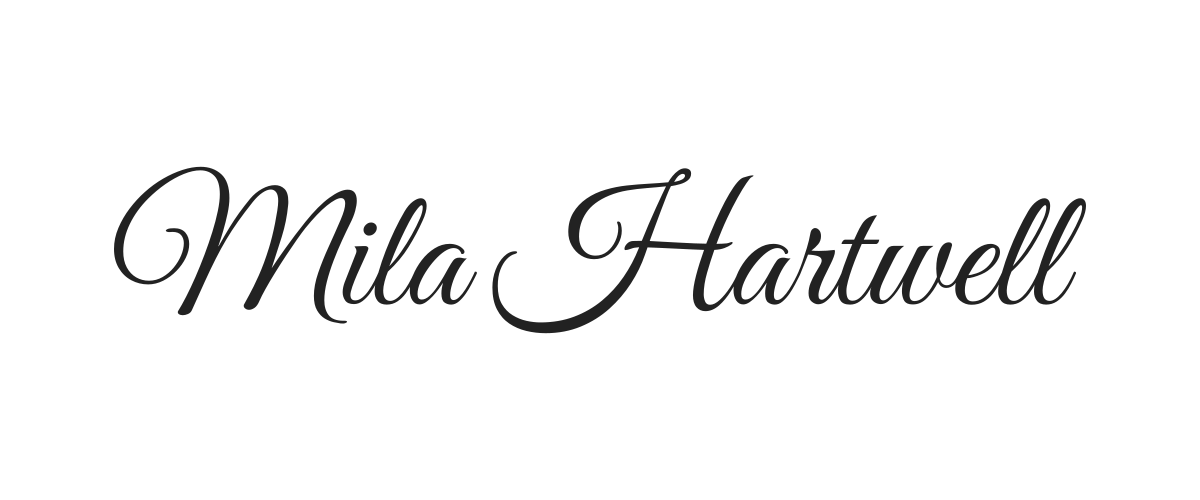
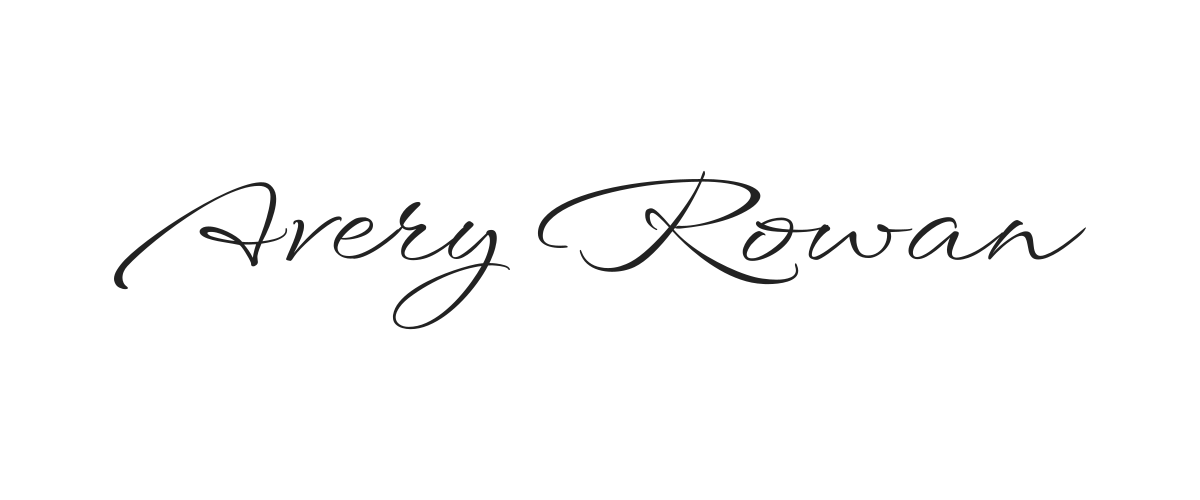
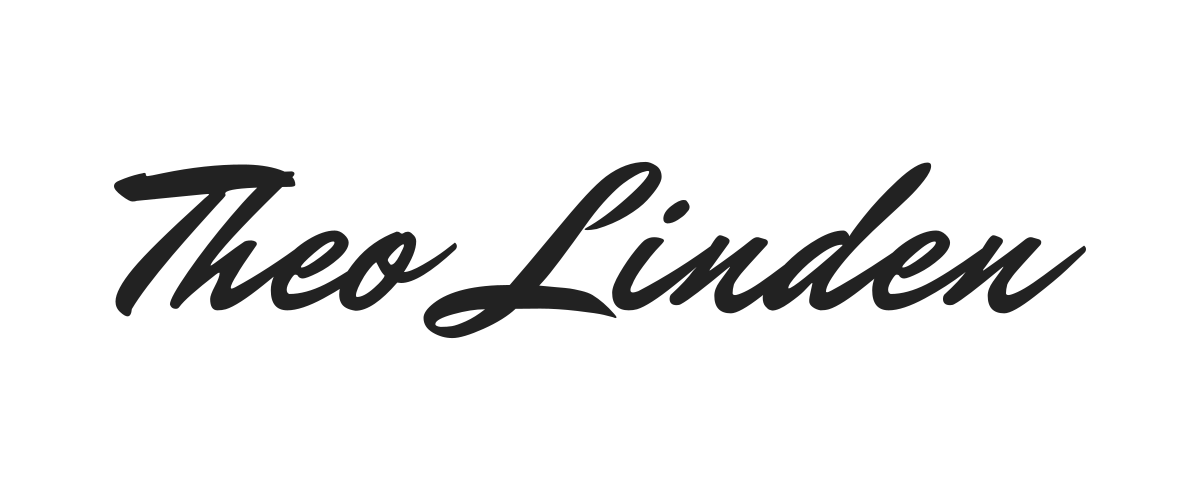
Yes. AI mode generates one original signature image from your name. Normal mode includes a limited anonymous trial; sign in with Google to keep your history and choose Advanced styles. The looping hero is a font preview; actual AI designs appear in the result cards after generation.

How do I add my signature to Word or a PDF?

Download the PNG, then use the image insertion option in Word or a PDF editor that accepts images. Resize it to fit the signature area and check the saved document. This tool creates the signature image; it does not edit or submit your document.

Can I use a handwritten signature in email?

Yes. If your email app supports images in its signature settings, insert the downloaded PNG and keep it compact. Add your typed name and contact details alongside it so readers can still identify you when email images are hidden.

Should I download my signature as PNG or SVG?

Paid packs unlock transparent PNG for documents and email. Free exports are watermarked previews. AI images are cropped around the generated ink; Type and Draw export at 2400 × 1000 pixels. Type and Draw also support SVG paths for a compatible design editor. AI image results currently download as PNG.

Is my name or signature uploaded to a server?

Type and Draw editing happens in your browser; downloading sends signature outlines to our server for export processing without saving them. Clicking Generate in AI mode sends your name and selected style to our server and APIMart to produce images. AI requests and images are saved to your visitor or signed-in account history. See our privacy policy for details.